
Microsoft 365

Microsoft 365 Copilot Now Available
Updated June 5, 2026 @ 3:00 PM
Copilot is an AI-powered assistant integrated directly into the Microsoft 365 apps. It is designed to streamline your workflow and jumpstart creative thinking. Check out the Knowledge Base Articles for more information:
- How to summarize emails with Copilot in Outlook
- Check out Microsoft 365 Hub for all M365 articles and resources.
Featured Apps
See below for information on some of the most requested apps that are available in
the TTUHSC instance.
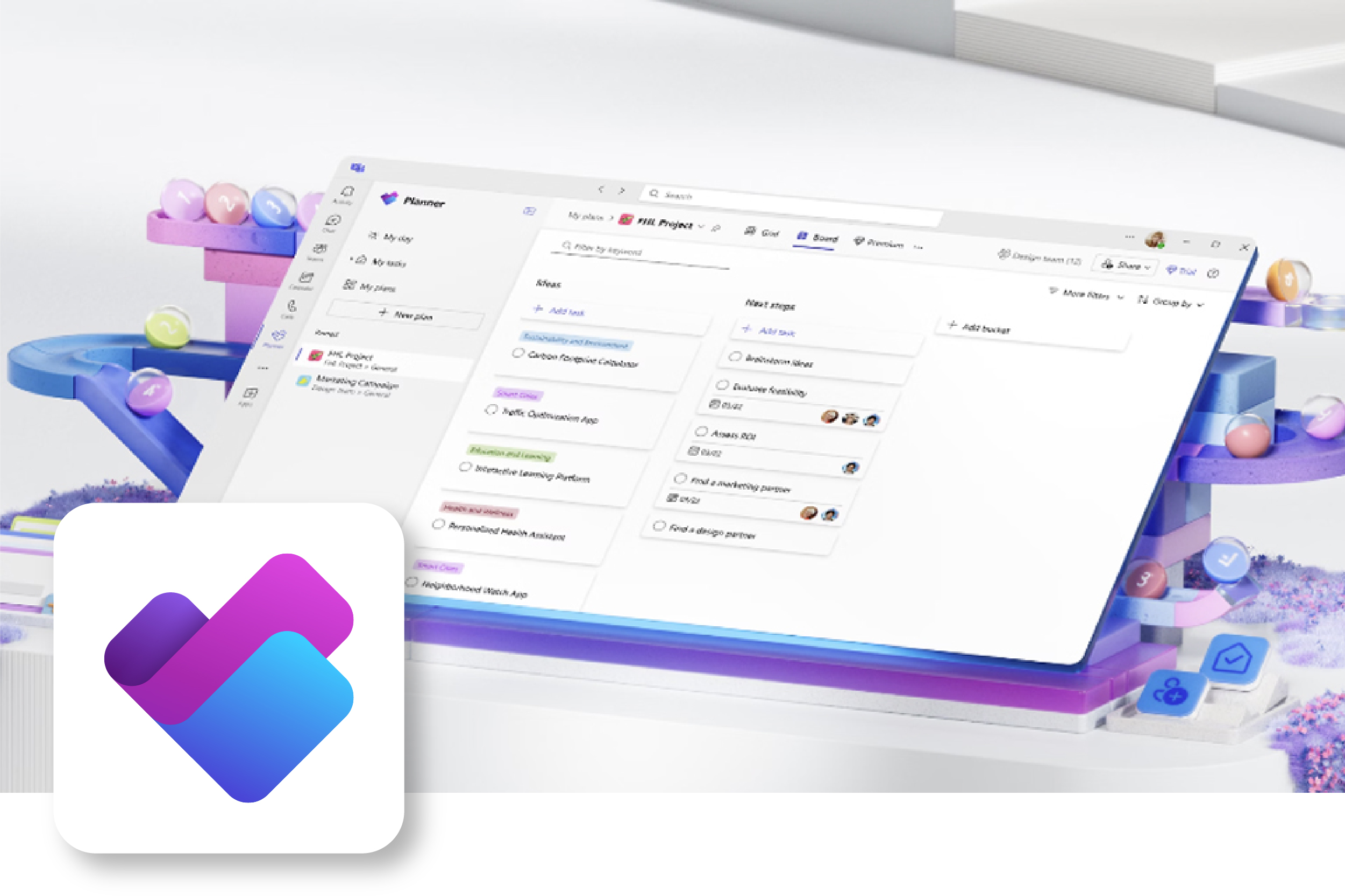
Microsoft Planner is a collaborative tool that uses Kanban-style boards to help teams organize work visually. Planner is best for a project where a simple checklist isn't enough, but a full-scale project management suite would be overly complicated.
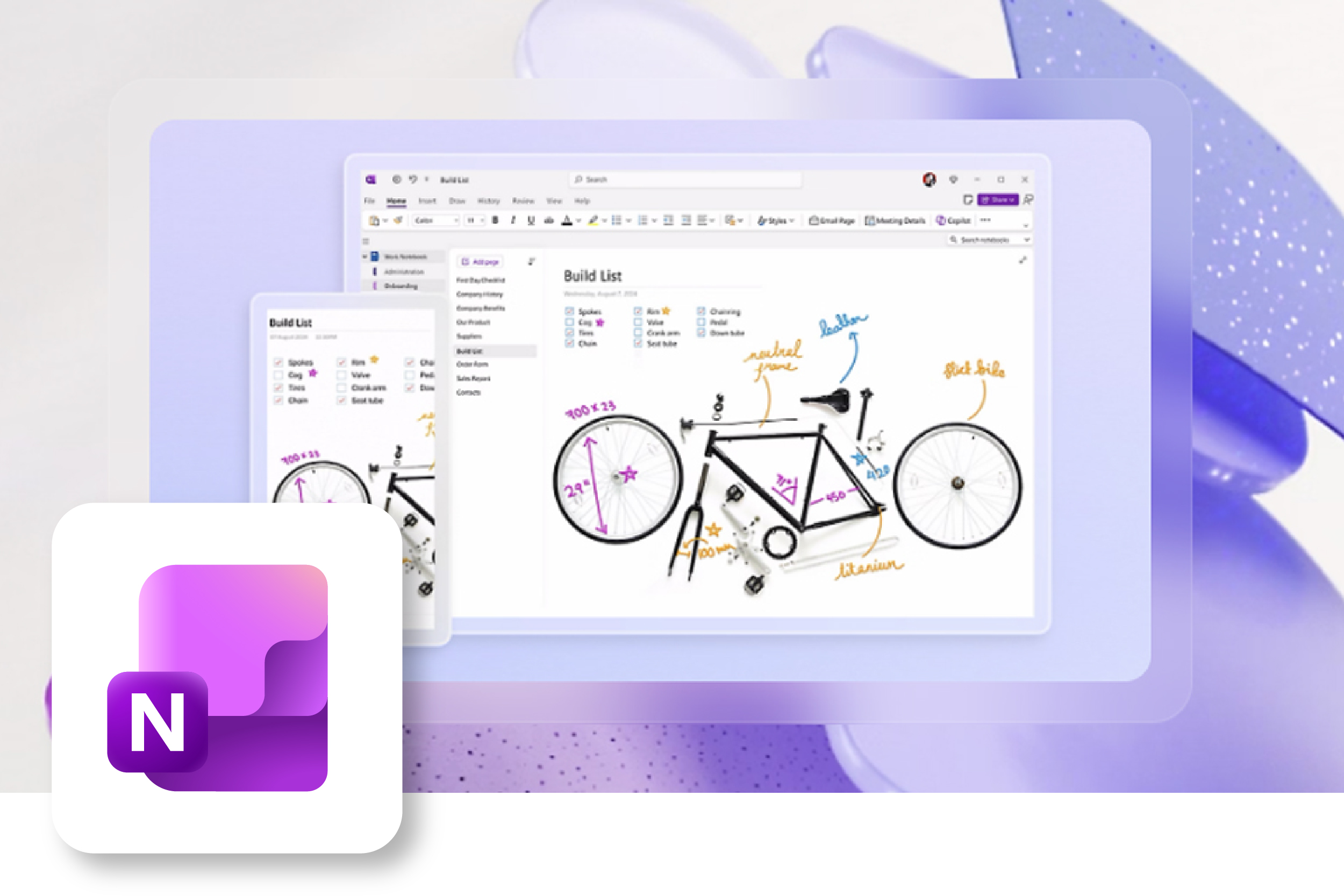
Microsoft OneNote functions as a digital binder, allowing you to capture, organize, and share unformatted notes. Unlike Word, which is document-centric, OneNote is information-centric. OneNote notebooks can be shared via OneDrive, allowing multiple people to edit simultaneously.
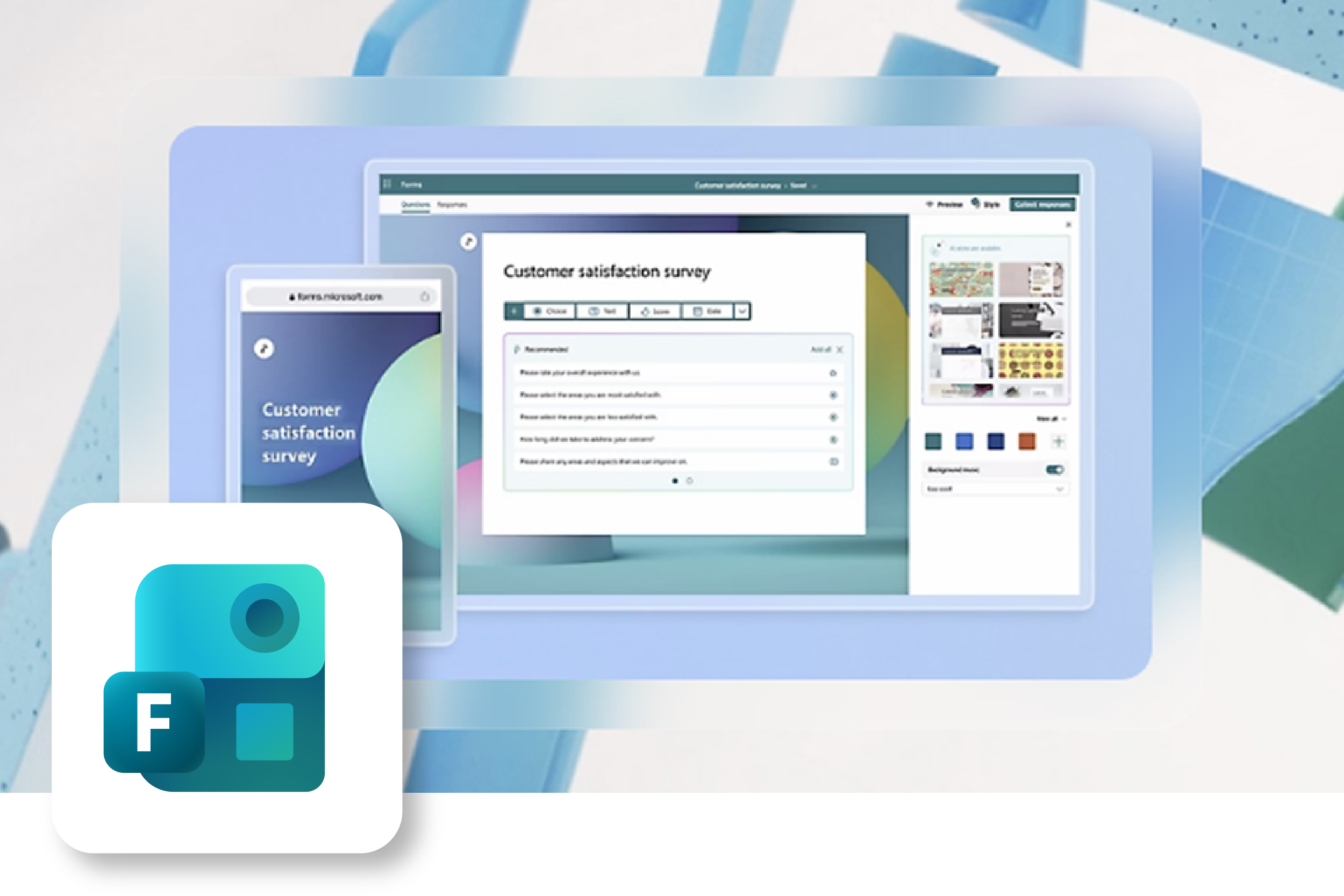
Microsoft Forms is a cloud-based application used to create departmental surveys, quizzes, and polls to collect data, gather feedback, and test knowledge. It is used for real-time data collection, automatic analysis through built-in analytics, and exporting results.
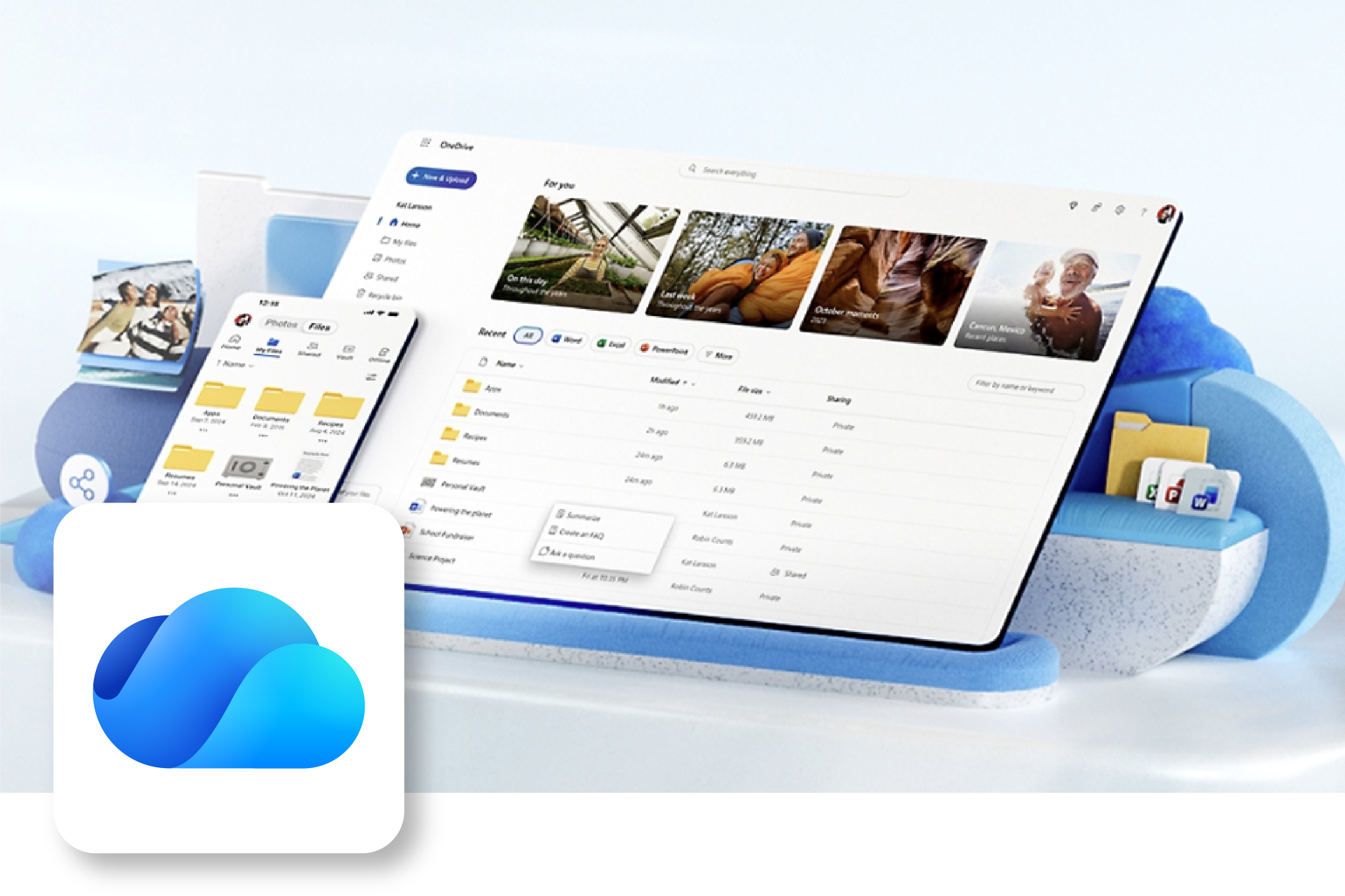
Microsoft OneDrive is a cloud storage service used to store, sync, and protect files across devices, allowing access from anywhere. It enables real-time collaboration on Microsoft 365 documents, secure file sharing, and automatic backups to prevent data loss. Storage limit will be 10GB per person.
Frequently Asked Questions
- Zoom is a vital tool in delivering education and communication services to TTUHSC
and there are no plans to discontinue ZOOM services.
- Our classrooms are being converted from the legacy Polycom conferencing system to
ZOOM ROOMS
ZOOM Phone provides our cloud-based phone service. - The addition of Teams to our services provides additional choices and flexibility for communicating with our coworkers and partners.
- Our classrooms are being converted from the legacy Polycom conferencing system to
ZOOM ROOMS
- IT recommends that you continue to use ZOOM for internal TTUHSC communications and
use Teams as appropriate with Teams based external partners.
- ZOOM scheduler, AI Companion, DOCS, and Tacks have become a part of many business processes at TTUHSC.
- The addition of Teams will provide you with the full feature set used by external partners who use Teams as their primary communication system. (Such as TTU)
There is currently no plan to discontinue BOX as a storage option for TTUHSC. BOX is recommended solution for sharing content with external partners. The rollout of OneDrive will provide an additional resource for data storage and sharing within the institution and with federated partners. More information regarding storage limits and best practices will be published at a later date.
Stages of Microsoft 365
 Deactivated TTUHSC Office.com download site
COMPLETE
Global Address List Separation
COMPLETE
Migrate to Exchange Online
COMPLETE
 Deployment of other M365 Services
IN PROGRESS
Thank you for your patience during the execution of this exciting project!